Remote teams do not suffer from a lack of tools.
They suffer from a lack of signal.
When sales and business development happen across time zones, automated outreach often fills calendars but empties conversations. That is why many remote teams using Zoho Mail rely on manual outreach for leads that already show intent.
The Problem: Automation Loses Context in Distributed Team
Remote teams move asynchronously.
Automation assumes everything moves on a schedule.
When outreach is handled through rigid sequences
- Context gets lost between time zones
- Replies come in while no one is watching
- Follow-ups trigger without awareness of ongoing conversations
The result is awkward timing and emails that feel disconnected from reality.
For leads that have already engaged in some way, that disconnection is costly.
The Agitation: High-Intent Leads Go Cold for Avoidable Reason
High-intent leads are rare.
They come from
- Demo requests
- Referrals
- Prior conversations
- Warm introductions
When those leads receive generic or mistimed follow-ups, interest fades quickly. Prospects feel processed instead of addressed.
Remote team members then assume the lead was weak, when in reality the approach was the problem.
Good opportunities die quietly this way.
Why Zoho Mail Fits Remote Team Outreach
Zoho Mail is straightforward and predictable.
It does not add noise to communication. It behaves like a normal inbox, which is exactly what remote teams need when clarity matters.
Emails sent through Zoho
- Feel personal
- Land consistently
- Stay readable across devices
For distributed teams, that reliability removes friction.
The Solution: Manual Mail Merge for High-Intent Lead
Manual mail merge introduces coordination without automation chaos.
Remote teams can
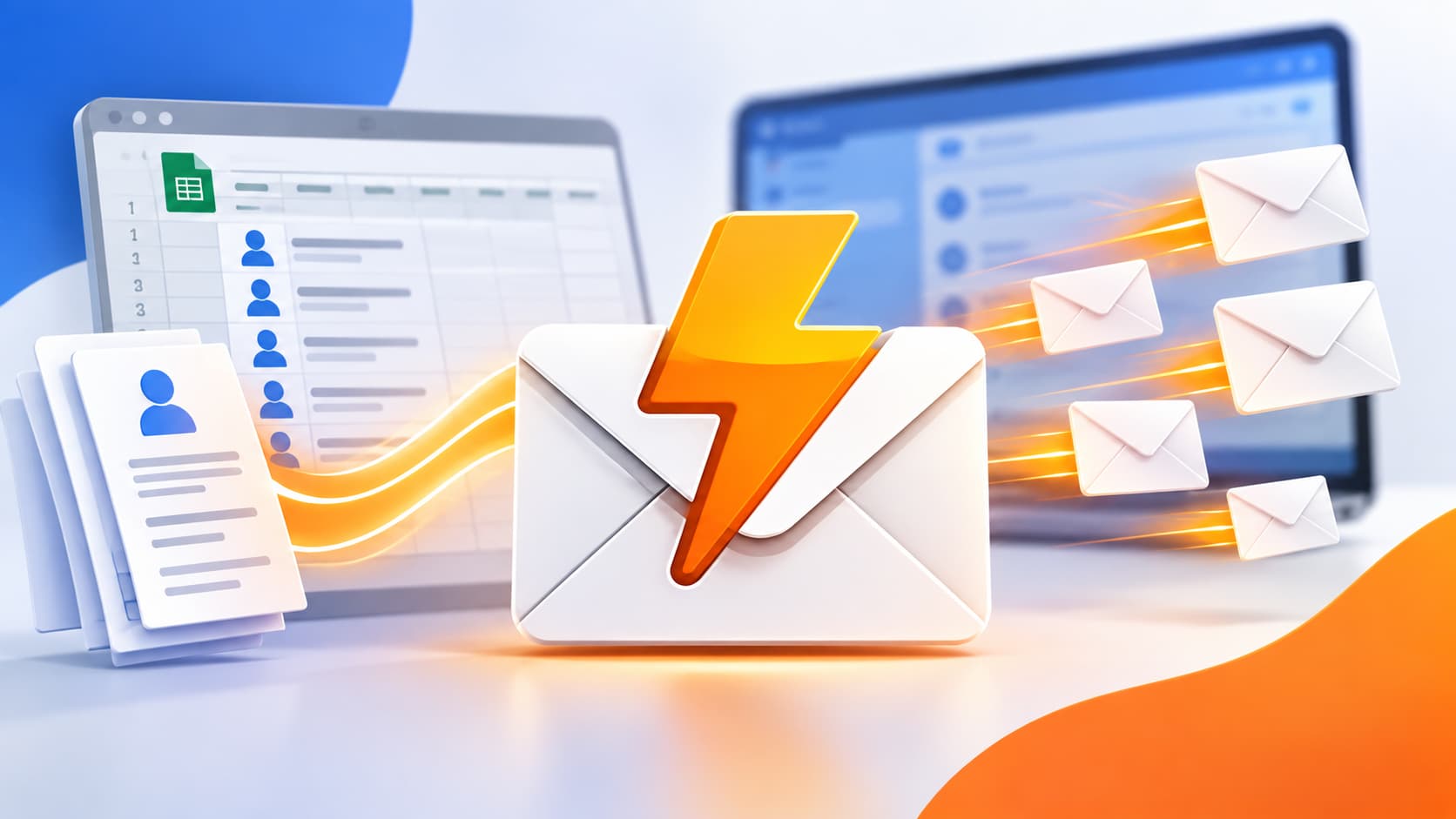
- Track lead context in a shared Google Sheet
- Add notes from calls or referrals
- Send emails individually through Zoho Mail
MergeWriter supports this workflow by keeping the system simple. Each team member knows who reached out, what was said, and what happened next.
No overlap.
No accidental double sends.
No awkward automation timing.
How Remote Teams Personalize Without Slowing Down
Manual outreach does not mean rewriting everything.
Teams still use structure
- Personalization fields
- Clear messaging frameworks
- Shared notes
What changes is control.
Each message is reviewed before sending. Outreach adapts as more context surfaces. Team members pause when a lead goes quiet instead of letting automation push harder.
That restraint preserves trust.
Follow-Ups That Respect Time Zones and Attention
Manual follow-ups work especially well in remote teams.
Instead of rigid delays, senders can
- Wait until business hours make sense
- Reference earlier replies accurately
- Adjust urgency without sounding scripted
This keeps communication aligned with how people actually work across regions.
When Manual Zoho Outreach Works Best
This approach is ideal when
- Leads have already shown interest
- Teams are fully or partially remote
- Inbox reputation matters
- Conversations span days or weeks
In these situations, clarity beats speed.
Try MergeWriter for Remote Zoho Mail Outreach
If your remote team uses Zoho Mail and wants outreach that adapts to real-world timing and intent, MergeWriter supports that workflow.
Download the MergeWriter Chrome ExtensionLearn more about MergeWriter