We’ve been building something bigger than a single integration.
The Bigin CRM Connector Suite from NonStopDev is now available, giving WordPress businesses a growing collection of direct integrations for Bigin by Zoho CRM.
No Zapier. No Zoho Flow. No middleware subscription just to move a lead from WordPress into your CRM.
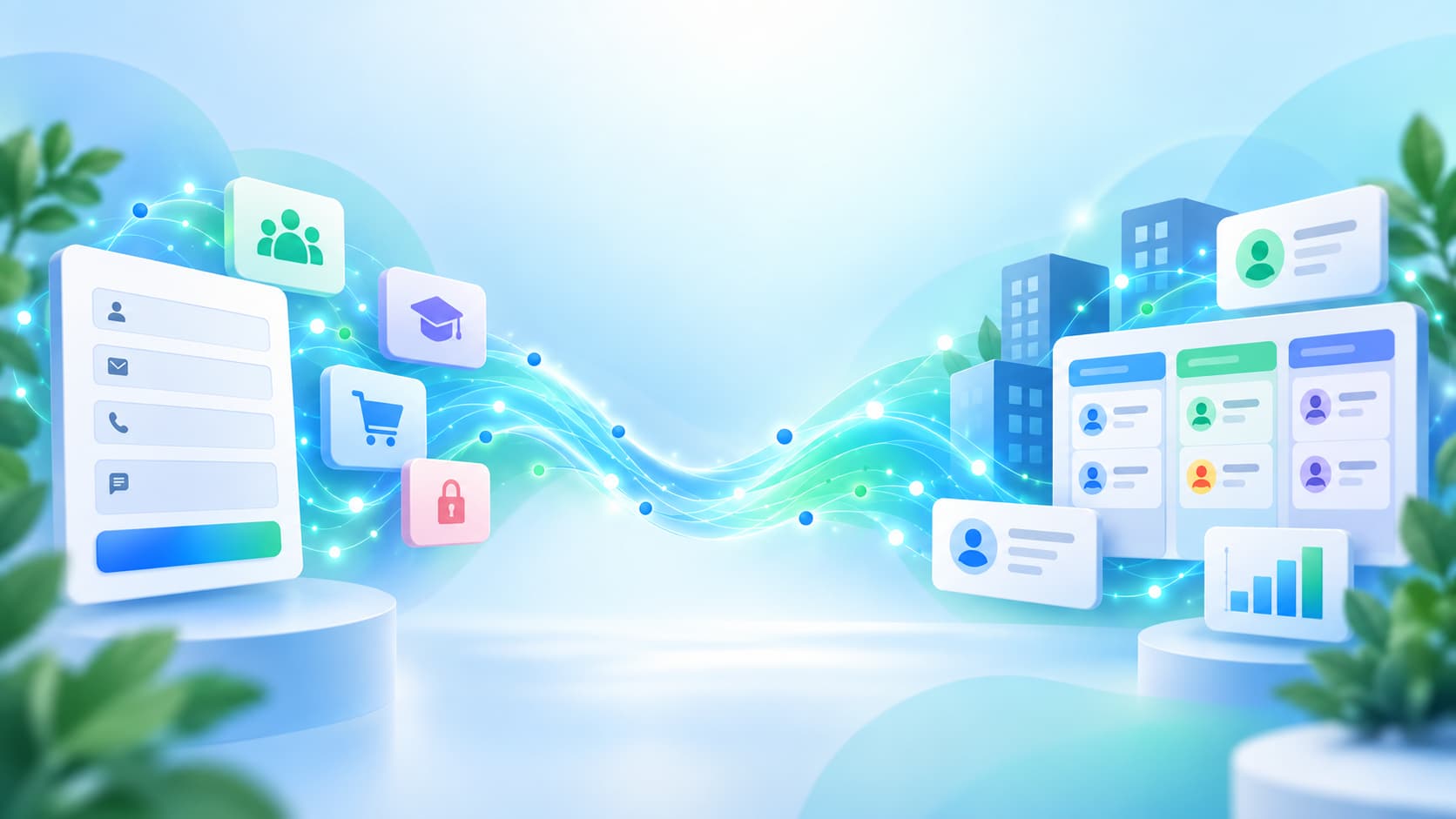
If someone fills out a form, joins a membership, enrolls in a course, or places an order, that information can move directly into Bigin where your team can actually follow up.
One CRM. The WordPress Tools You Already Use.
The suite currently includes integrations for:
Forms
- Gravity Forms
- WPForms
- Fluent Forms
- Elementor Forms
- Contact Form 7
- Forminator
- Ninja Forms
- Formidable Forms
Memberships & Courses
- Paid Memberships Pro
- MemberPress
- LearnDash
Ecommerce
- WooCommerce
Each plugin is built specifically around the WordPress tool it connects.
That means Gravity Forms gets native feeds and conditional logic. Elementor Forms works through Actions After Submit. Membership plugins can react to membership events. LearnDash can react to enrollments and course activity. WooCommerce goes considerably further than simply copying orders into a CRM.
Built Around the Same Core Bigin Workflow
Across the suite, the goal is straightforward: get useful WordPress activity into Bigin without adding another automation service in the middle.
Depending on the integration, you can create and connect:
- Bigin Contacts
- Companies
- Pipeline records
- Custom Bigin fields
- Pipeline stages and routing
Existing contacts can be matched by email to reduce duplicates.
And because the original submission or event is stored in WordPress first, a temporary CRM outage doesn’t mean losing the lead.
WooCommerce Goes a Step Further
The WooCommerce integration is our most extensive Bigin connector so far.
Instead of treating Bigin as an archive for past orders, it adds customer information such as lifetime value, order count, average order value, and how long it has been since the customer last ordered.
It can also identify new, repeat, at-risk, lapsed, and VIP customers so sales teams have a better idea of who may need attention.
The goal isn’t simply to copy data.
It’s to make the CRM more useful.
Why We Built the Suite
WordPress businesses already collect valuable customer information.
The problem is what happens next.
Form entries sit in WordPress. Notifications pile up in inboxes. Someone manually copies information into the CRM. Or a business pays for another automation platform just to connect two systems it already pays for.
We wanted a simpler option.
WordPress talks directly to Bigin.
That’s it.
Find Your Bigin Integration
We’ve put all of the available integrations in one place so you can find the connector for the WordPress tools you already use.
Explore the Bigin CRM Connector Suite
We’ll continue expanding the suite as we identify more useful ways to connect WordPress businesses directly with Bigin.